Most small business websites fail in the same way: they try to do too much. Pages nobody reads, a blog that stopped in 2019, a slider that loads slowly on a phone. The truth is that a customer who found you wants to answer about five questions, fast. Answer those five well and you have a site that works. Here they are.
1. Who you are and what you do
The top of your page should make it obvious, in one line, what you do and where. “Family dental care in Point Loma.” “Mobile auto detailing across Chula Vista.” A visitor should know within two seconds that they’re in the right place. No clever taglines that hide the point.
2. Your services (and ideally, prices)
List what you actually offer, in plain words. If you can show prices or a starting range, do it — uncertainty is the number-one reason people leave without calling. You don’t need a complicated menu; a clean list with short descriptions does the job.
3. Proof you’re the real deal
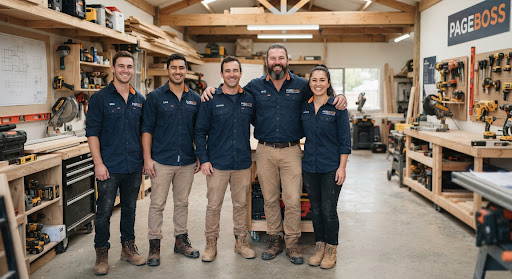
This is your reviews, a few photos of real work, and the trust details that matter in your trade — licensed and insured, years in business, certifications. People are deciding whether to trust a stranger with their money; give them honest reasons to.
4. The practical stuff
Hours, location or service area, and a phone number that’s easy to tap on a phone. Keep it consistent with your Google Business Profile so nobody gets two different answers.
5. One clear way to take the next step
A single, obvious action: call, book, or send a message. One. If you ask people to do five things, they do none. A simple contact or booking form that lands in your inbox is plenty for most businesses.
What you can skip
You almost certainly don’t need a blog, an “our mission” essay, a photo carousel, or a dozen pages. They slow your site down and bury the five things that matter. Start small and clean; you can always add more once the basics are earning you calls.
The good news is you don’t have to build any of this from a blank page. pageboss assembles these sections from your real Google listing, so you’re editing wording and swapping photos — not staring at an empty screen wondering where to start. If you’re curious what that looks like, browse a few sample sites first.